The catalog brings together all product data: reference name, collection, product category, gender, etc... It makes it possible to manage the progress of collection shootings.
Features
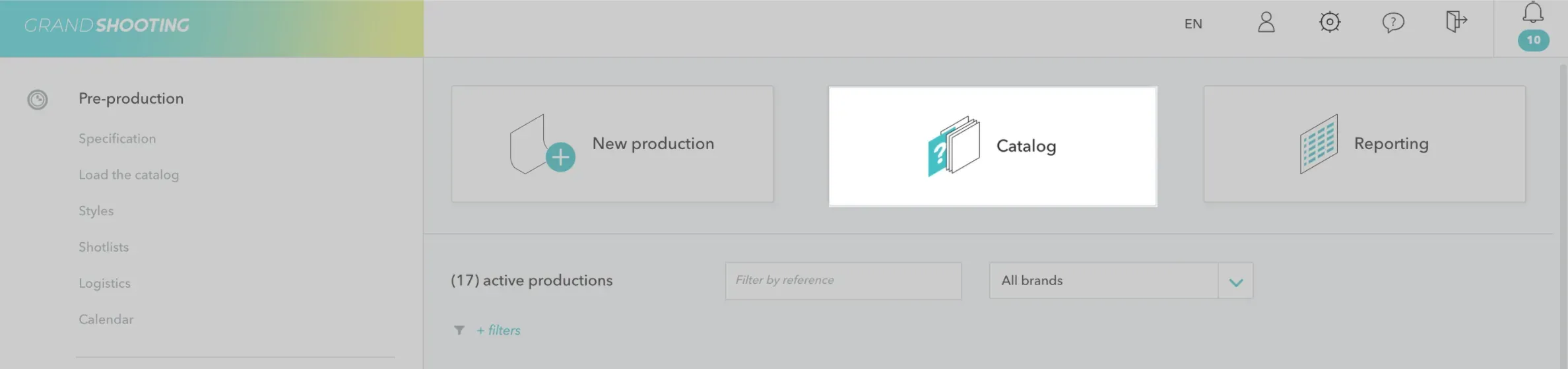
Access the catalog from the home page:
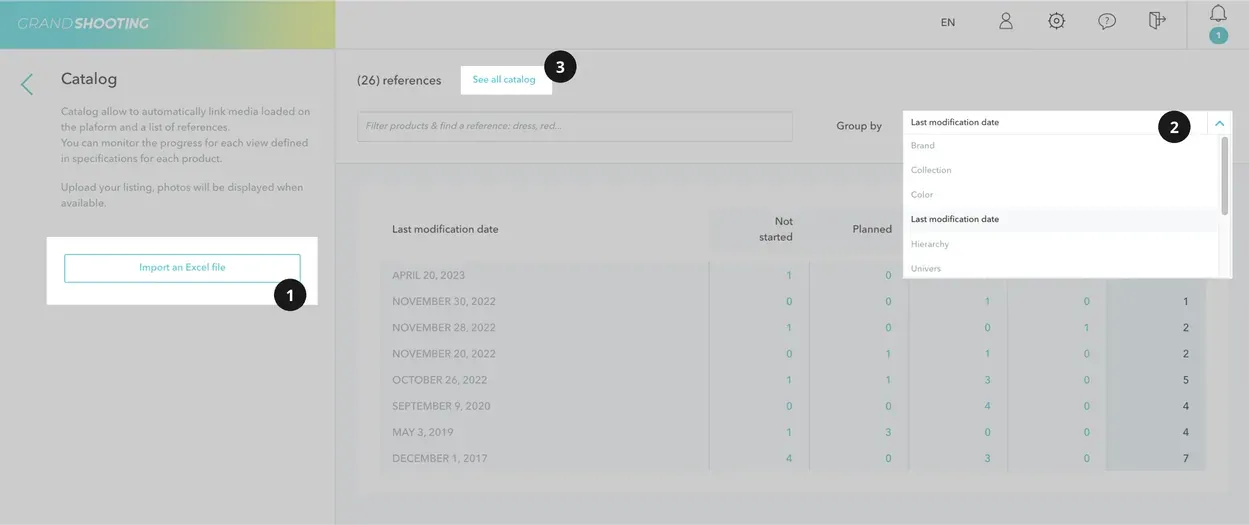
Import a catalogClick on “Import an Excel File” and follow the process.
Group according to your needsGather references based on various possible data.
See all catalogAccess all uploaded references.
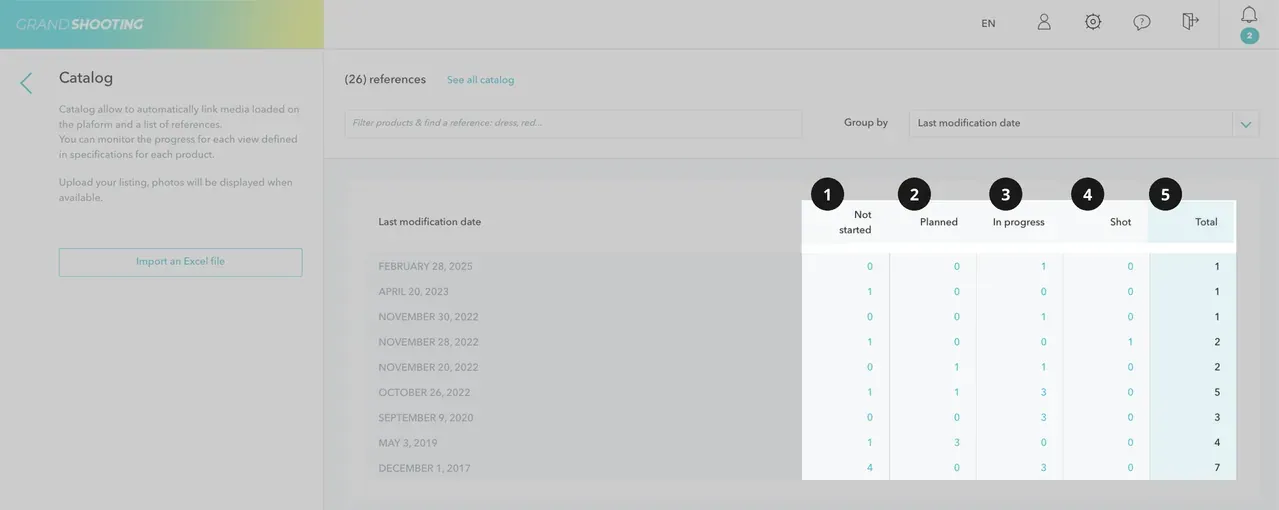
Not startedThe number of references that are not loaded into Grand Shooting.
PlannedThe number of references that are indicated as references to shooters in productions.
In progressThe number of references for which some of the files have been loaded but there are still views to be produced.
ShotThe number of references for which all the views provided for in the specifications are produced.
TotalThe total number of referrals.
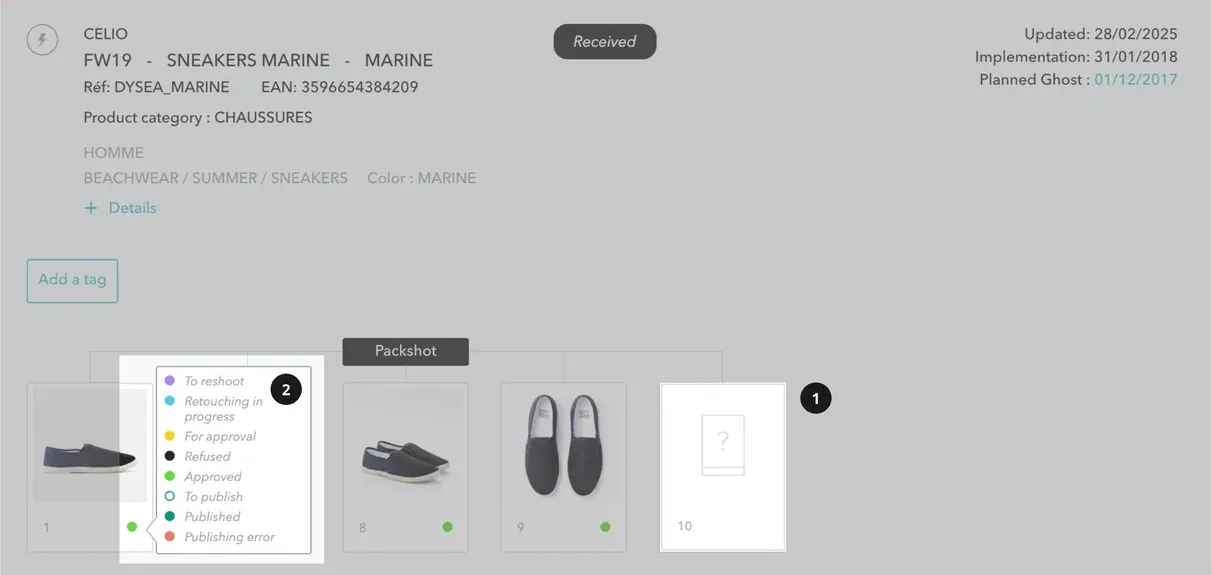
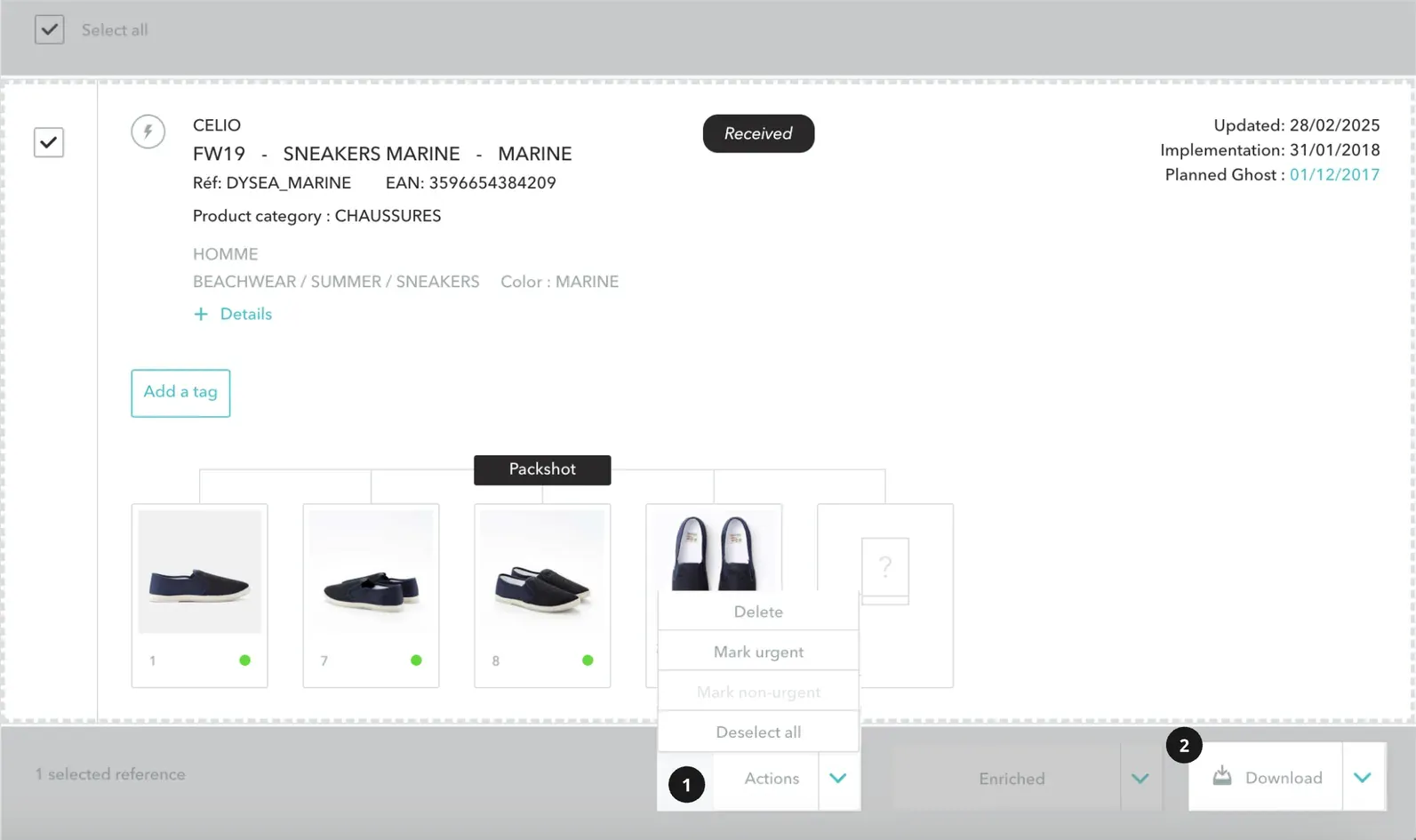
Expected viewsEach box represents an expected view according to the specifications. As soon as they are loaded, the files automatically populate the boxes to monitor the progress of the collections and know what else to do.
Production monitoring Colors indicate the progress of each file in the workflow.
ActionsSelect references to see what actions are available. Urgently mark priority products or remove references from the catalog.
DownloadDownload the validated files or generate a PDF.
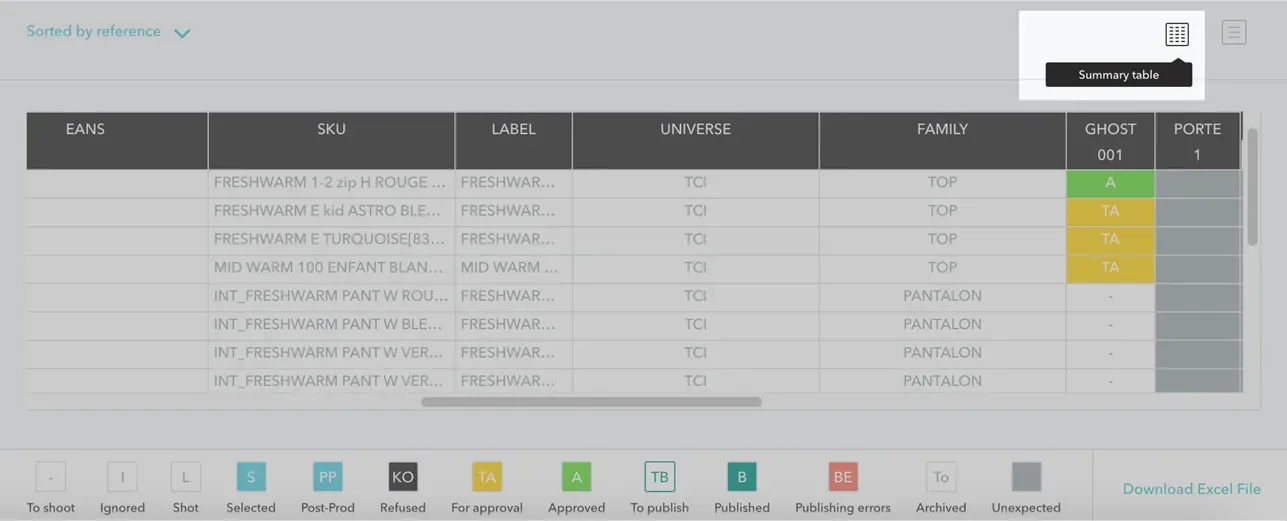
ReportingFrom the display mode Summary table, you download all the data in excel format.
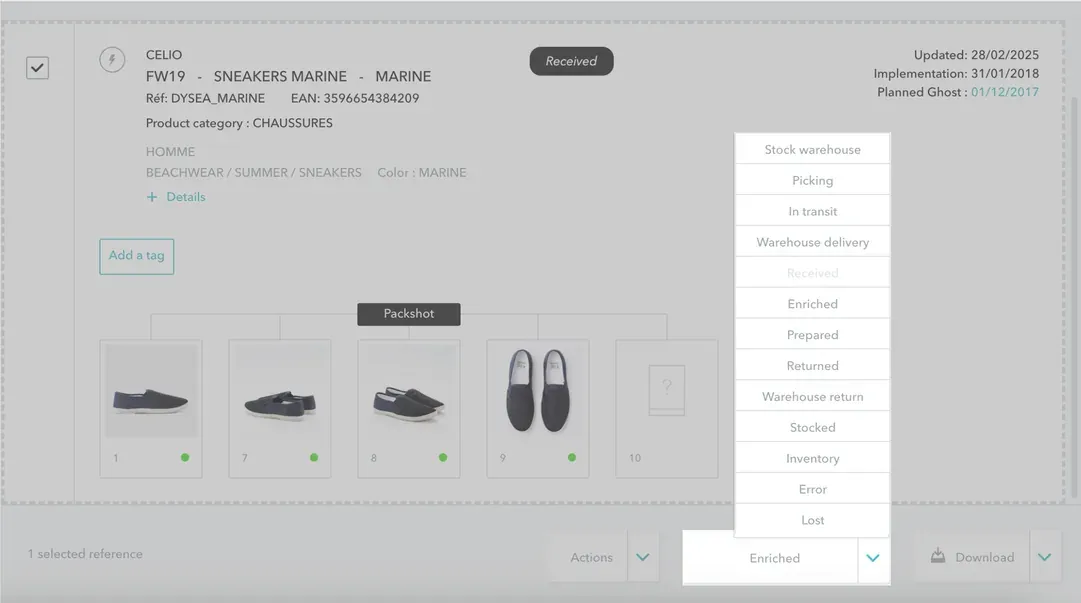
Logistics Grand Shooting integrates a logistics module that makes it possible to monitor the availability of products in stock. Do not hesitate to contact our team to activate the module.