
Shooting Methods are a cornerstone of Grand Shooting. They allow you to organize your production flows based on your specific needs: type of team, type of view, distribution channel, etc.
By default, three Shooting Methods are created when you open your account: Ecom, Wholesale, and Social Media. You can customize them, add new ones, or even keep only one according to your organization.
Shooting Methods structure your entire production process:
[[gsGoodToKnow title="Good to Know"]]
Each production is associated with a Shooting Method from its creation. Once the Shooting Methods are in place, it is not possible to mix file types within a production: you will lose all tracking.
[[/gsGoodToKnow]]
You can modify your Shooting Methods at any time. However, we recommend defining them at the beginning of setting up your process, before creating your specifications.
This will allow you to:
The application settings are accessible to account administrators.
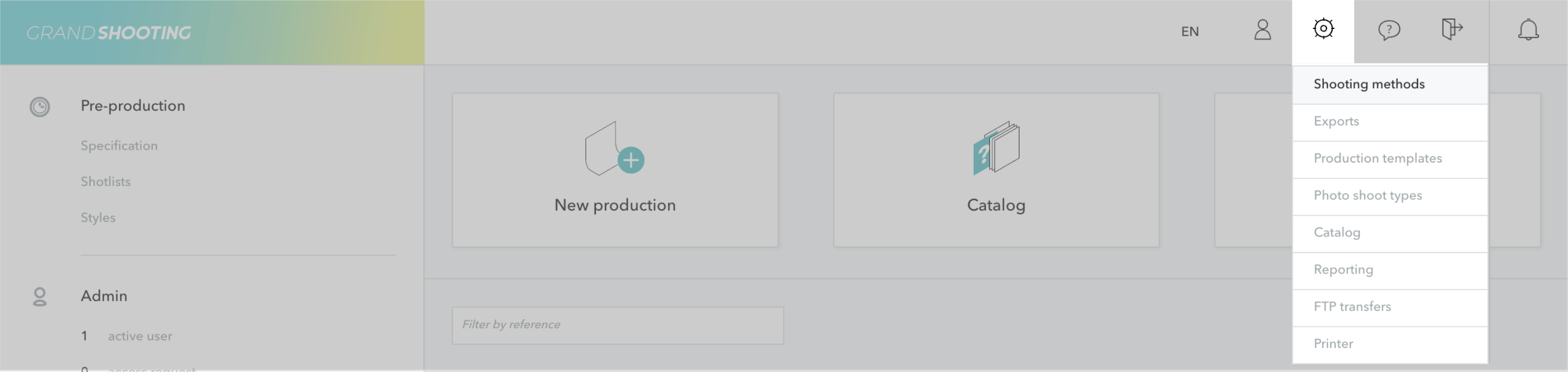
You will access the list of your configured Shooting Methods.
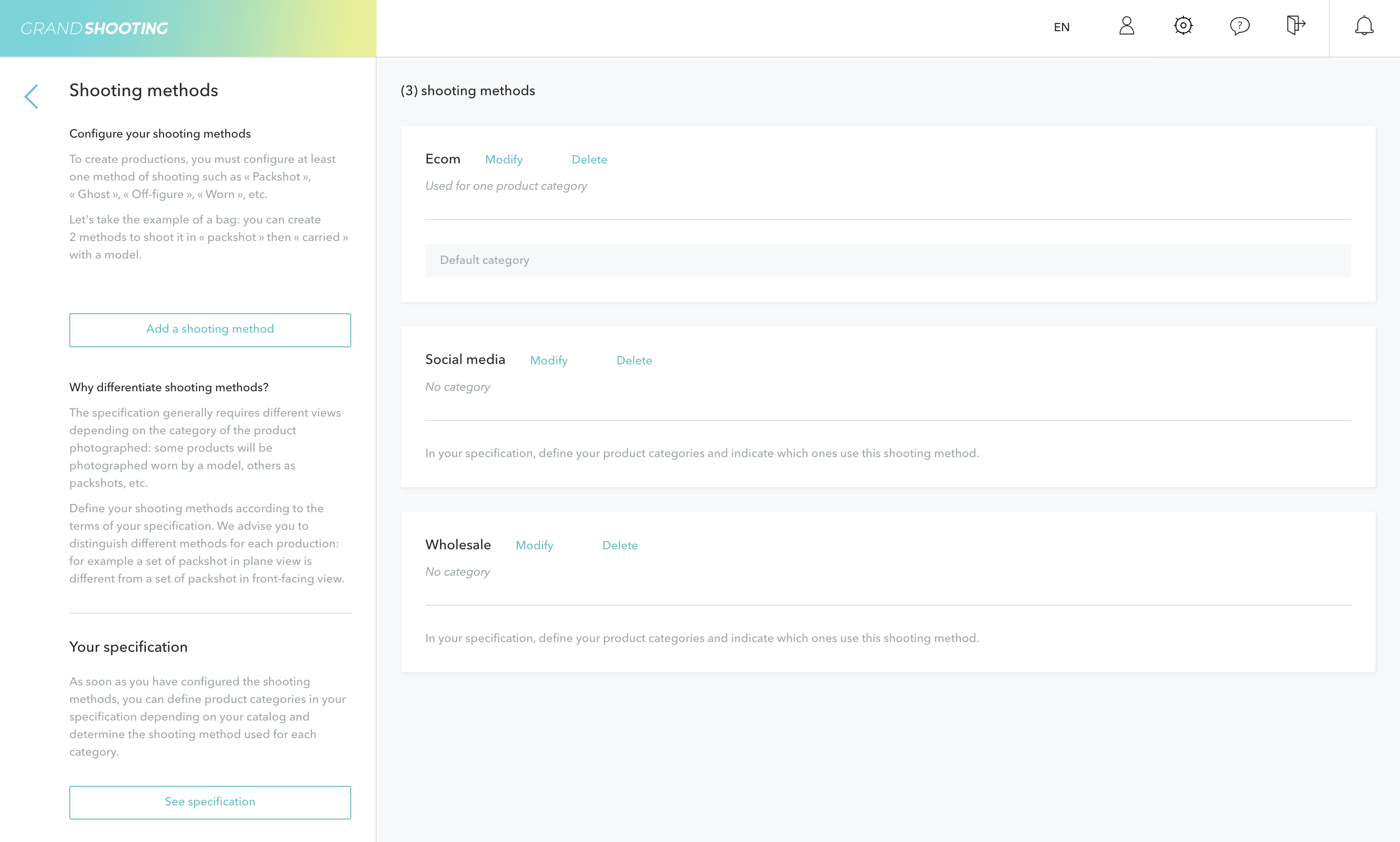
Your new method appears in the list and will be available for your next productions as well as in your specifications.
For each Shooting Method, you have two actions:
[[gsGoodToKnow title="Good to Know"]]
In case of a name change of the Shooting Method, productions already created will be updated with the new method name. The same applies to product categories in the specifications.
If a Shooting Method used in an already created production is deleted, then that production remains on the old Shooting Method. You can assign a new Shooting Method from the production settings. You will no longer be able to create new productions with that method.
[[/gsGoodToKnow]]
Shooting Methods are directly linked to your specifications. For each product category, you can indicate which Shooting Methods to use and how many views are expected.
Example:
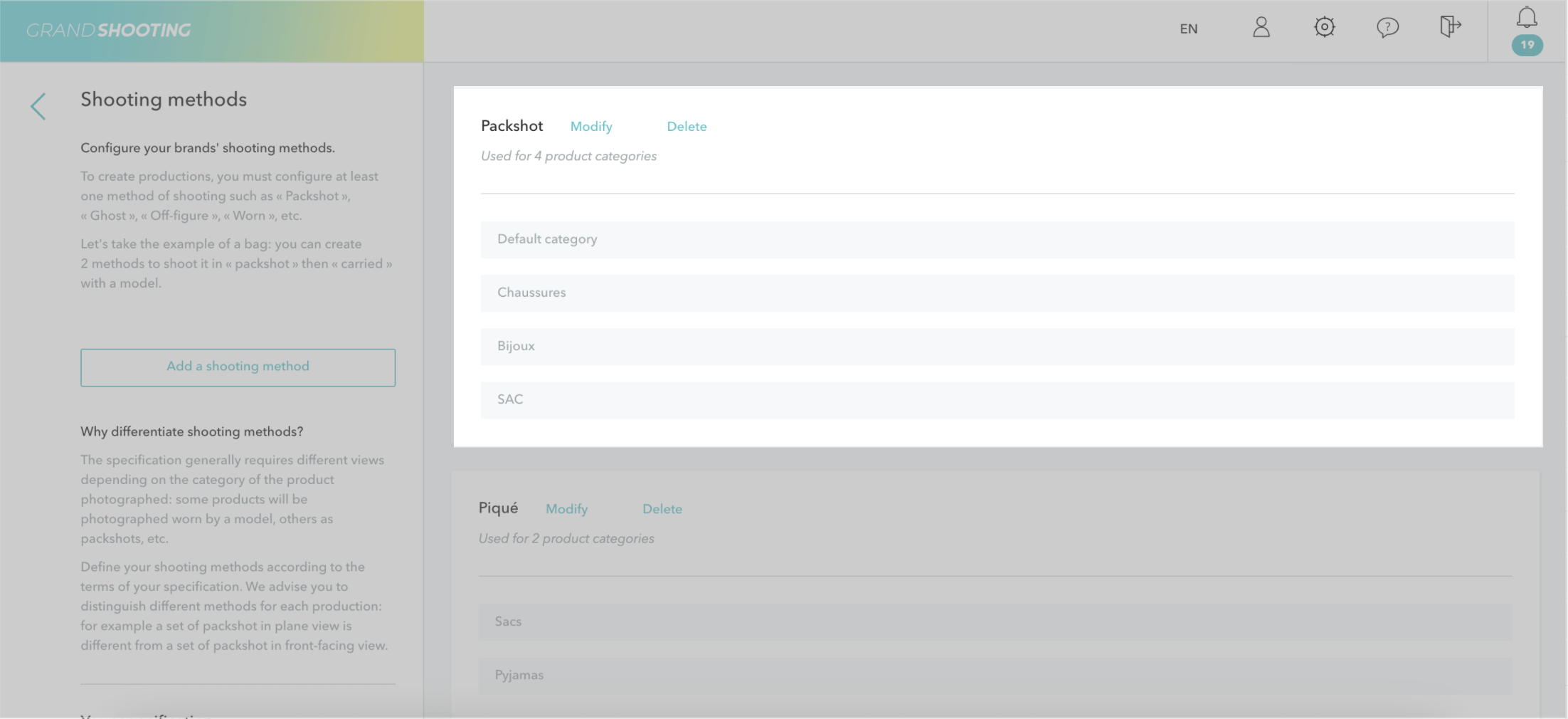
On the Shooting Methods screen, you find the product categories associated with each Shooting Method.
Once your productions are created, you can filter your media by Shooting Method:
If your process is simple, you can keep only one generic Shooting Method.


