
Files associated with a Reference can be processed in separate Productions. For example, if you have multiple Shooting Methods, each Production will be linked to a specific Shooting Method.
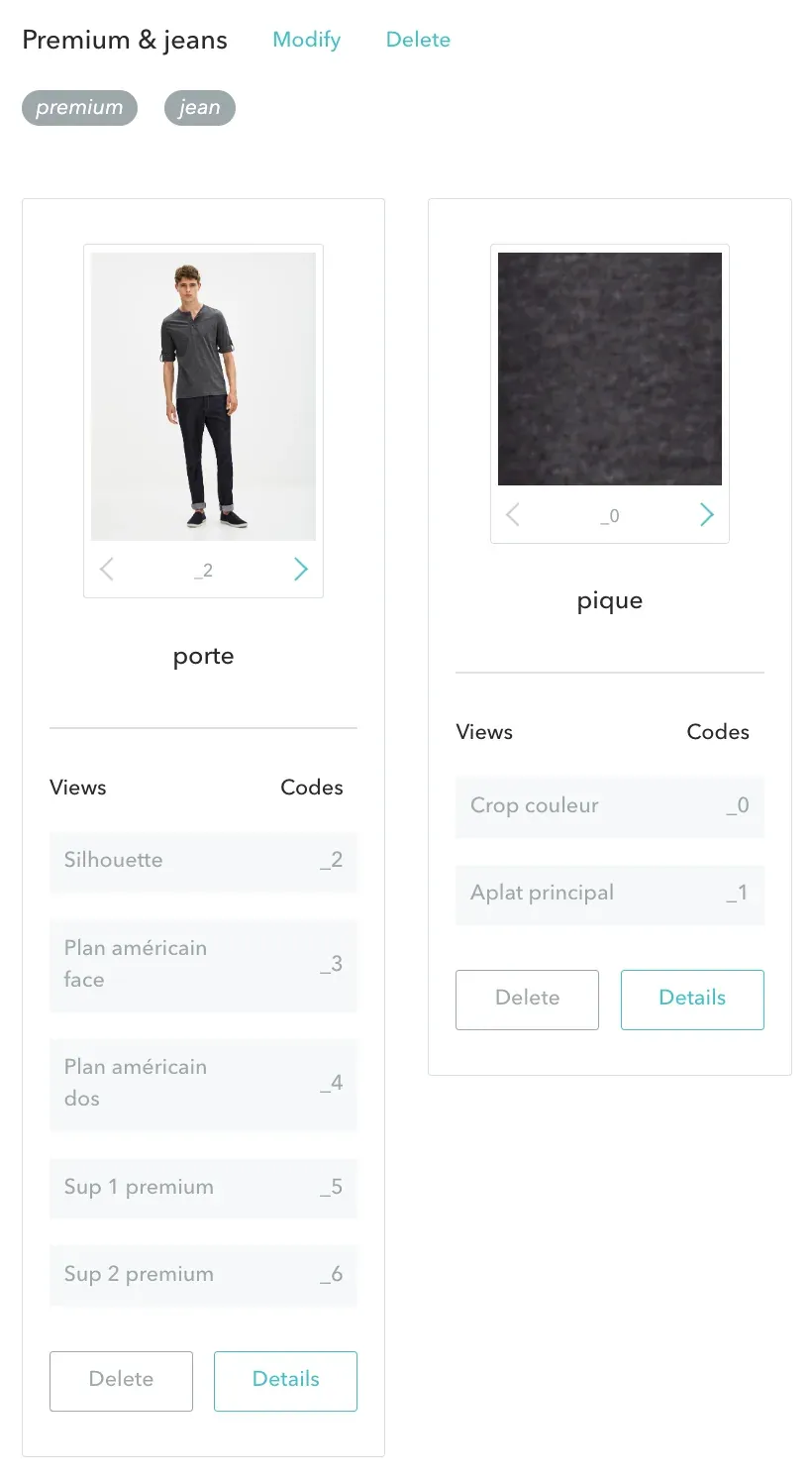
As shown above, the views for a given Reference will be processed in two distinct Productions:
If no precaution is taken, there is a risk that file names will be identical as they exit the workflows, causing files to be overwritten when you download them for publication.
Consider a Reference “ABC” belonging to the Product Category “Premium & Jeans.” If the validated files in the “worn” Production are named abc_1.jpg, abc_2.jpg, … abc_5.jpg, and if the validated files in the “packshot” Production are named abc_1.jpg and abc_2.jpg, then it is likely that the files will overwrite each other when they are published.
To avoid this problem, GS introduces the concept of a View Code.
A View Code identifies a view within its sequence in the Specifications. It can be numeric (1, 2, …) or alphanumeric (e.g., “front”, “back”, …). The key is that each view carries a distinct Code within the same shooting method. An alert message will block the user if there is a duplicate.
In our example, the Codes are: _0 and 1 for the “packshot” Shooting Method and _2 to _6 for the “porte” Shooting Method.
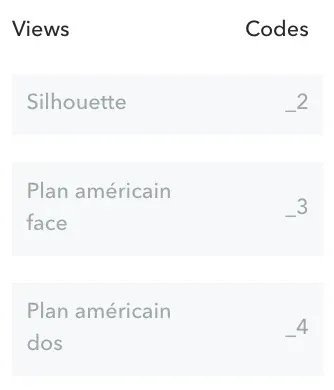
It is possible to distinguish the View Codes at the beginning and at the end of the workflow. To keep it simple, we recommend using the same Codes when starting with GS.


